Comparing images
muscles images diff BASE TARGET shows what changed from one image to another: a release to the next, the main branch to a pull request, or two ways of building the same thing.
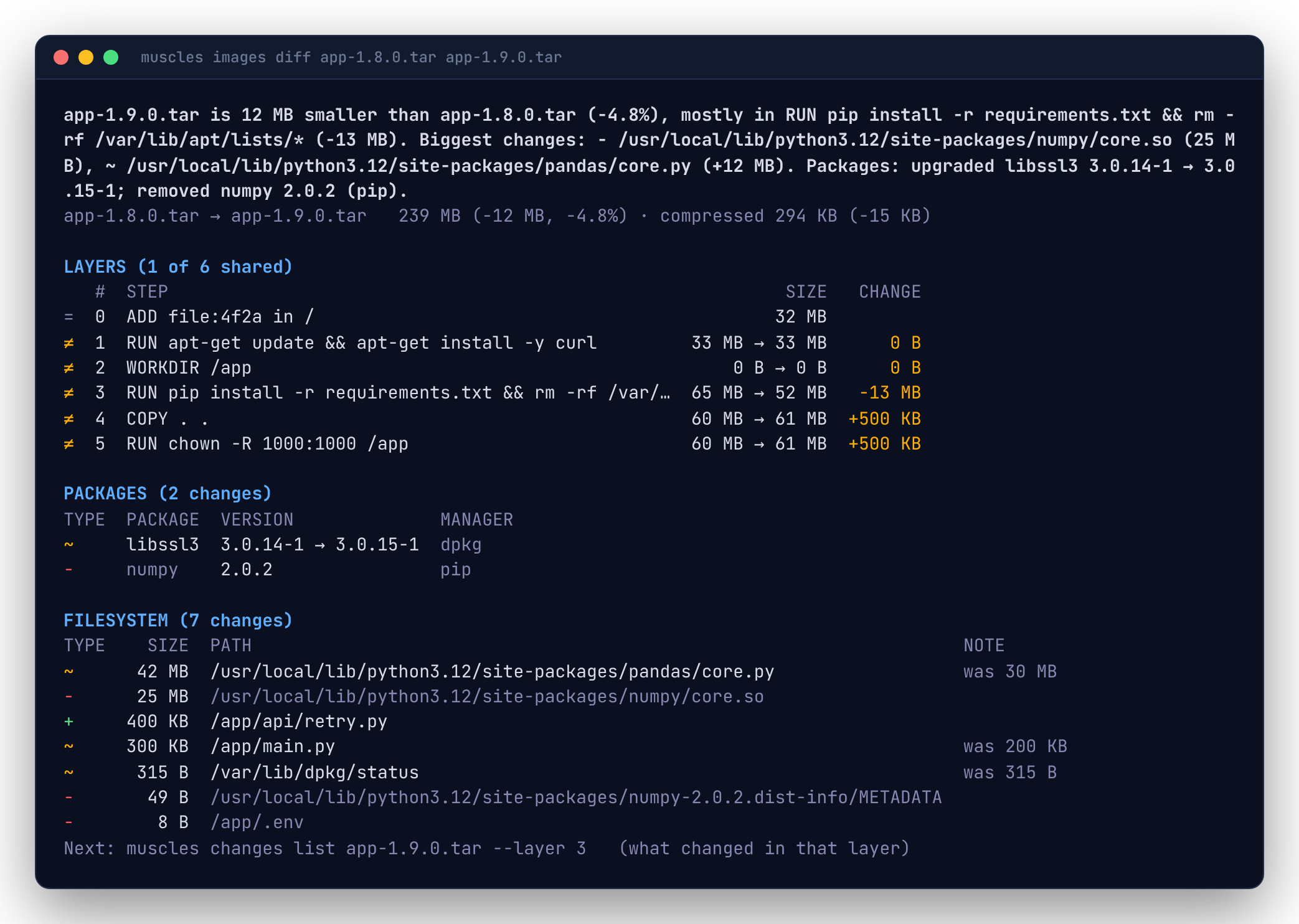
The summary
The first line says what happened in one sentence:
app:2 is 42 MB bigger than app:1 (+10.5%), mostly in RUN pip install -r requirements.txt (+40 MB). Biggest changes: + /usr/local/lib/python3.12/site-packages/torch/ (38 MB), ~ /app/main.py (+2 KB). Packages: installed torch 2.4.1 (pip); upgraded libssl3 3.0.14-1 → 3.0.15-1.
The next line is the target's uncompressed size and its change from the base, then the compressed size (what clients pull) and its change. --json has the sentence as summary.
Layers
Layers are lined up by position. From the bottom up, layers with the same digest are shared (=): a client that has the base already has them and won't pull them again. The first layer that differs, and every layer above it, is marked ≠ with its size in both images.
Few shared layers usually means an early step changed: a new base image, or a COPY of the whole source tree before installing dependencies. Order Dockerfile steps from least to most often changed to keep more layers shared.
Packages
When the images' package databases differ (dpkg, apk, rpm or pip), a table lists the packages installed (+), upgraded (~, old → new version) and removed (-). This is often the quickest answer to "why did it grow": a new dependency, or an upgrade that pulled others in.
Filesystem
The second table compares the two final filesystems, the way a container sees them:
| Marker | Meaning |
|---|---|
+ |
The path is new in the target. |
~ |
The path's contents, link target or type changed. The note shows the old size. |
◌ |
Same contents, new permissions or owner. |
- |
The path is gone from the target. |
Directories only appear when they were added or removed with nothing inside. Rows roll up by directory like changes list; --files lists every file.
In a pull request
Write the diff to the GitHub Actions job summary, so reviewers see what a change does to the image:
Long file lists are folded into a <details> block. See CI for a complete workflow.